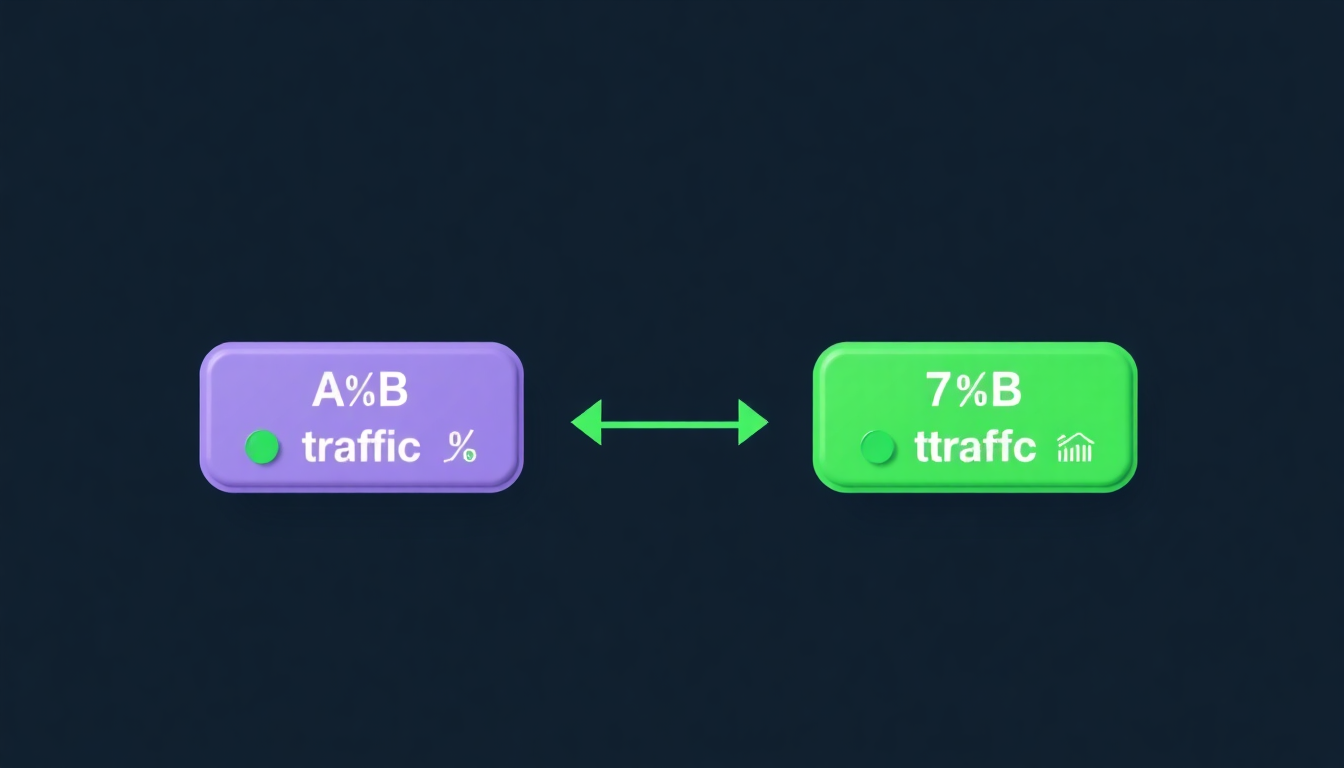
What is link A/B testing?
A/B testing means sending part of your traffic to URL A and the rest to URL B. You then compare which converts better.
Use cases
- 2 versions of a landing page — which converts the most?
- Affiliate link vs direct link — which generates more revenue?
- Product page A vs B — which sells better?
- Title testing — "Buy" vs "Discover"
How it works on LinkFan
- Add multiple URLs to a single link
- Set a weight for each URL (e.g., 60% / 40%)
- LinkFan distributes traffic automatically
Sticky sessions
A returning visitor always sees the same variant thanks to consistent hashing. No flash of different content on each visit.
Anti-bot
Bots and crawlers (Googlebot, Bingbot...) are detected and excluded from the split to avoid skewing results.
Analyzing results
On the LinkFan dashboard, you see in real time:
- Total assignments per variant
- Actual vs expected percentage
- 95% confidence interval
Conclusion
Link A/B testing is a powerful tool to optimize your conversions. With LinkFan Pro, it's built-in, precise, and easy to configure.